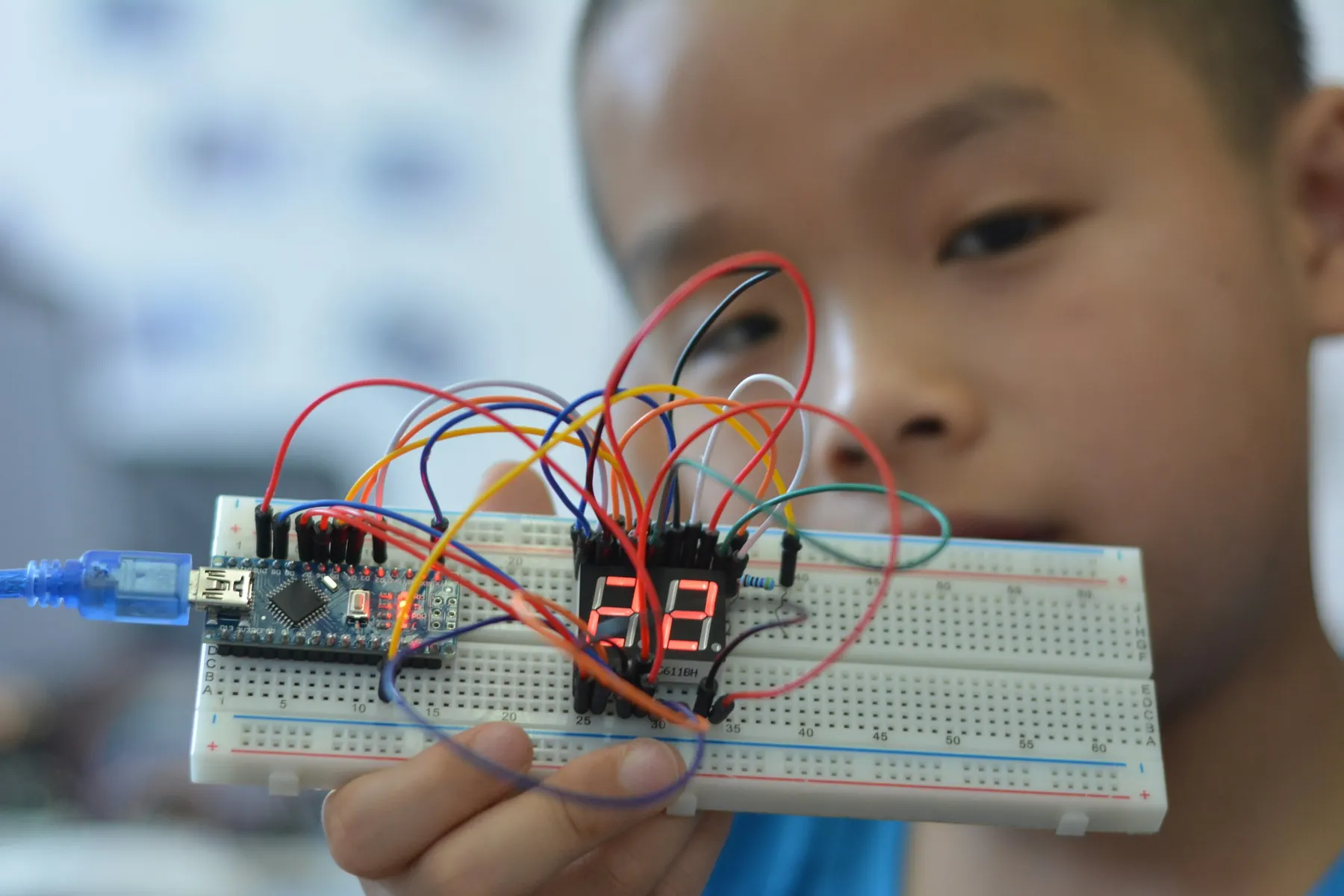
Discover & build.Automatic Water Dispenser
Circuits, everyday materials, block coding and first AI examples. Showcase build: a water-dispenser demonstrator and a human-checked AI sorting desk.
- 16 projects8 robotics, 4 AI, 4 integrated
- 20 to 80Sessions by plan
- ScratchMain language
- Human in the loopAI to hardware
What students do, and what they prove.
Automatic Water Dispenser
A water-dispenser demonstrator and a human-checked AI sorting desk.
Learning check. Explain input, process and output, wire a protected circuit and show a model error.
Individual check. Every learner, on their own: “Point to the input.”
Entry task
Follow a three-step instruction, sort objects, and recognise a battery and a switch.
Robotics core
Circuits, polarity, conductors, simple sensors, motors and safe model making.
AI layer
Examples and labels, patterns, AI versus fixed rules, and spotting a model's mistakes.
Code & tools
Unplugged algorithms, then Scratch blocks. Scratch app, Teachable Machine (teacher-led), Printed AI examples.
Cross-subject link
Patterns, measurement, sorting and simple tally charts.
Scaffolding
Picture cards, pre-made leads and teacher-built driver modules. No student soldering.
How AI meets hardware here
Human in the loop. A person checks every AI suggestion before anything moves.
Sixteen projects, four blocks of twenty sessions.
Each block follows the same pattern: two builds, one AI project, then one integrated project. Open any project to see its five sessions.
- RRobotics
- AAI
- IIntegrated
- 01Ask & understand · Week 1Circuit symbols and battery handling
- 02Build & design · Week 1LED polarity and resistor purpose
- 03Implement · Week 2Build a switch-controlled badge
- 04Test & improve · Week 2Find open-circuit faults
- 05Explain & reflect · Week 3Explain the circuit with a labelled sketch
LED, resistor, enclosed low-voltage battery holder, switch, card
Five switch trials and one deliberately opened connection.
A physical circuit, sensor or mechanism, built and tested on the bench.
- 06Ask & understand · Week 3Electrical energy and motion
- 07Build & design · Week 4DC motor terminals and safe moving parts
- 08Implement · Week 4Build a guarded mini fan
- 09Test & improve · Week 5Compare on/off and reversed connections
- 10Explain & reflect · Week 5Explain electricity-to-motion conversion
Low-current DC motor, guarded fan, switch, approved supply
Three starts; power disconnected before any wiring reversal.
A physical circuit, sensor or mechanism, built and tested on the bench.
- 11Ask & understand · Week 6AI versus fixed rules
- 12Build & design · Week 6Create two labels using clean object pictures
- 13Implement · Week 7Train a teacher-led no-code model
- 14Test & improve · Week 7Test ten new pictures and count mistakes
- 15Explain & reflect · Week 8Make a picture-based model card
Teacher computer, Teachable Machine, non-personal object images
Ten unseen examples including two confusing backgrounds.
A model, an evaluation study or an AI-checking workflow.
- 16Ask & understand · Week 8Connect a prediction to a physical action
- 17Build & design · Week 9Draw a human approval step
- 18Implement · Week 9Reuse the classifier with a two-bin cardboard desk
- 19Test & improve · Week 10Test mistakes and the do-not-sort option
- 20Explain & reflect · Week 10Demonstrate the complete supervised workflow
P03 model, cardboard bins, switch, LED circuit
Ten decisions; unknown or disputed predictions stay unsorted.
The AI suggests. A person checks and operates the hardware.
- 21Ask & understand · Week 11Conductors and insulators
- 22Build & design · Week 11Plan a safe contact loop
- 23Implement · Week 12Build a buzzer maze
- 24Test & improve · Week 12Change one shape and retest
- 25Explain & reflect · Week 13Compare two designs fairly
Coated/rounded wire, buzzer, enclosed supply, base
Five passes; inspect all exposed wire ends.
A physical circuit, sensor or mechanism, built and tested on the bench.
- 26Ask & understand · Week 13Light as a measurable input
- 27Build & design · Week 14Observe LDR change
- 28Implement · Week 14Use a teacher-approved light-switch module
- 29Test & improve · Week 15Test bright and dark conditions
- 30Explain & reflect · Week 15Explain why a threshold rule is not ML
LDR module with switching stage, LED, resistor, safe supply
Three bright/dark cycles and one intermediate condition.
A physical circuit, sensor or mechanism, built and tested on the bench.
- 31Ask & understand · Week 16Questions and useful context
- 32Build & design · Week 16Compare two teacher-generated explanations
- 33Implement · Week 17Check claims against a provided science page
- 34Test & improve · Week 17Mark unsupported statements
- 35Explain & reflect · Week 18Publish a checked answer card
Teacher-curated AI outputs, source page, worksheet
Check five claims and identify each evidence location.
A model, an evaluation study or an AI-checking workflow.
- 36Ask & understand · Week 18Define cup and not-cup examples
- 37Build & design · Week 19Train with clean empty-cup photographs
- 38Implement · Week 19Add a human-reviewed permission signal
- 39Test & improve · Week 20Test confusing objects without running a pump
- 40Explain & reflect · Week 20Explain why AI must not decide safety alone
Teacher model viewer, cup images, LED switch station
Ten object trials, with safe refusal for three non-cup objects.
The AI suggests. A person checks and operates the hardware.
- 41Ask & understand · Week 21Contact and tilt inputs
- 42Build & design · Week 21Draw the alert circuit
- 43Implement · Week 22Build a tilt-triggered buzzer
- 44Test & improve · Week 22Test still and moving cases
- 45Explain & reflect · Week 23Explain one likely false alarm
Tilt switch, buzzer, enclosed supply, cardboard bag
Five still and five moving trials.
A physical circuit, sensor or mechanism, built and tested on the bench.
- 46Ask & understand · Week 23Sunlight as an energy source
- 47Build & design · Week 24Observe panel and motor connections
- 48Implement · Week 24Make a guarded solar spinner
- 49Test & improve · Week 25Compare shade and brighter light
- 50Explain & reflect · Week 25Present a fair-test chart
Small solar panel, low-current motor, guarded fan
Three lighting conditions; do not stare at the sun.
A physical circuit, sensor or mechanism, built and tested on the bench.
- 51Ask & understand · Week 26Why examples matter
- 52Build & design · Week 26Build an unbalanced picture collection
- 53Implement · Week 27Compare it with a balanced collection
- 54Test & improve · Week 27Test both models on the same held-out pictures
- 55Explain & reflect · Week 28Create a fairness exhibition panel
Teacher no-code model, objects/images, tally sheet
Use the same ten held-out pictures for both models.
A model, an evaluation study or an AI-checking workflow.
- 56Ask & understand · Week 28Connect example-based learning with light choices
- 57Build & design · Week 29Classify bright and dim scene cards
- 58Implement · Week 29Add a human-operated light display
- 59Test & improve · Week 30Test shadow and background changes
- 60Explain & reflect · Week 30Explain an uncertain recommendation
Object/scene cards, teacher viewer, P06 light model
Ten held-out scenes; no action when prediction is uncertain.
The AI suggests. A person checks and operates the hardware.
- 61Ask & understand · Week 31Materials and prediction
- 62Build & design · Week 31Design a low-current test path
- 63Implement · Week 32Test safe dry classroom materials
- 64Test & improve · Week 32Record unexpected results
- 65Explain & reflect · Week 33Explain evidence rather than guesses
Protected tester circuit, dry samples, teacher-selected resistor
Six dry samples; never test a person, liquid or mains wiring.
A physical circuit, sensor or mechanism, built and tested on the bench.
- 66Ask & understand · Week 33Input-process-output for dispensing
- 67Build & design · Week 34Separate wet and dry areas
- 68Implement · Week 34Assemble a trainer-prewired pump driver
- 69Test & improve · Week 35Test timed flow and manual shut-off
- 70Explain & reflect · Week 35Present safe operating rules
Pump, tubing, tray, approved sensor/driver, safe supply
Five supervised cycles; shut-off test; inspect for leaks.
A physical circuit, sensor or mechanism, built and tested on the bench.
- 71Ask & understand · Week 36Task goals and instructions
- 72Build & design · Week 36Build a reusable explanation prompt card
- 73Implement · Week 37Try it on three supplied topics via the teacher
- 74Test & improve · Week 37Check every answer against sources
- 75Explain & reflect · Week 38Improve the card using a peer review
Printed prompt cards, teacher AI account, source pack
Three tasks; record one instruction improvement.
A model, an evaluation study or an AI-checking workflow.
- 76Ask & understand · Week 38Define a helpful AI advisory role
- 77Build & design · Week 39Use object examples to suggest cup readiness
- 78Implement · Week 39Combine the viewer with the dispenser display
- 79Test & improve · Week 40Rehearse refusal and teacher stop scenarios
- 80Explain & reflect · Week 40Present engineering limits and AI limits separately
P14 dispenser, P08 cup model, teacher display
Five full dry rehearsals before wet demo; AI never bypasses manual approval.
The AI suggests. A person checks and operates the hardware.
Class 5 adds one more layer of judgement.
Input, output, cause and effect
Examples, labels, mistakes and checking
Unplugged sequences and Scratch blocks
A picture-based task card: ask, check, explain.
A tool does one job. Ask an adult before using it.
One improved instruction card.
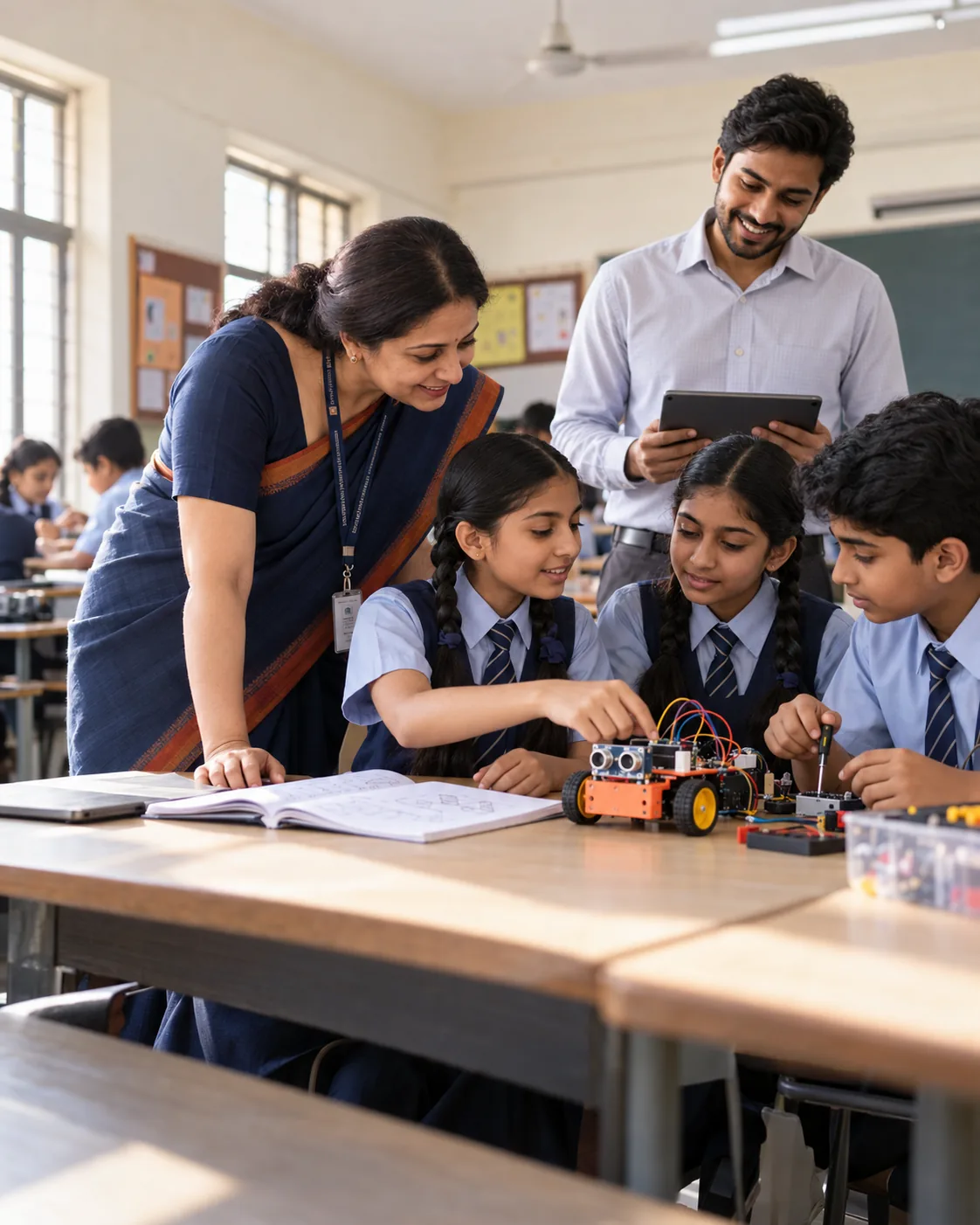 For school leaders
Bring Class 5
to your school.
Start with the four Discovery projects for Class 5 (20 sessions), review the evidence together, then extend to Builder or Innovation.
- Prospectus and class-wise plan
- Kit and readiness check
- Pilot one class first
- Evidence at every milestone
Let's plan your pilot.
Share a few details and we will send the right plan for your classes.