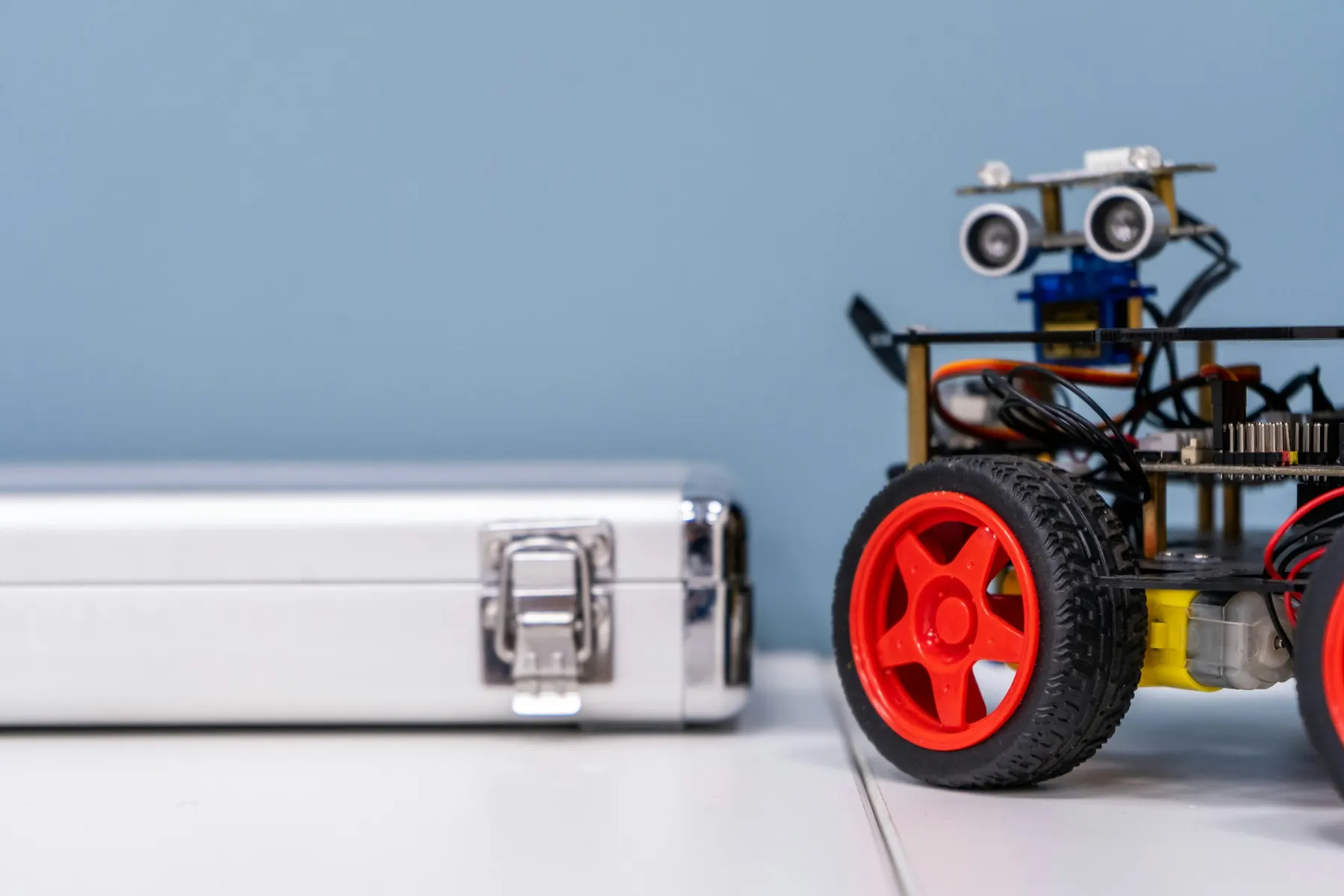
Move & connect.Bluetooth-Controlled Car
Motor control, wireless commands, introductory Python and evaluated vision. Showcase build: a bounded Bluetooth rover with a clear stop rule and supervised AI advice.
- 16 projects8 robotics, 4 AI, 4 integrated
- 20 to 80Sessions by plan
- Arduino + PythonMain language
- Supervised linkAI to hardware
What students do, and what they prove.
Bluetooth-Controlled Car
A bounded Bluetooth rover with a clear stop rule and supervised AI advice.
Learning check. Demonstrate a bounded mobile robot and an AI advisory prototype with a stop rule.
Individual check. Every learner, on their own: “Demonstrate the disconnect stop.”
Entry task
Read a state diagram, calibrate a distance sensor and trace a loop.
Robotics core
H-bridge motor control, PWM speed, mobile commands, sensor interlocks and fail-safe stopping.
AI layer
Image classes, unknown inputs, dataset balance, model scores and evaluated command mapping.
Code & tools
Arduino C/C++, then introductory Python. Arduino IDE, Local Python, Teachable Machine, Approved trainer phone.
Cross-subject link
Speed and time, coordinate routes, ratios and test percentages.
Scaffolding
A pre-reviewed bridge. Python starts with variables, conditions and reading a CSV.
How AI meets hardware here
Laptop-hosted model. A supervised USB link only after a bench test, with a simulator as fallback.
Sixteen projects, four blocks of twenty sessions.
Each block follows the same pattern: two builds, one AI project, then one integrated project. Open any project to see its five sessions.
- RRobotics
- AAI
- IIntegrated
- 01Ask & understand · Week 1Motor supply and H-bridge topology
- 02Build & design · Week 1Identify control and enable pins
- 03Implement · Week 2Program forward, stop and reverse on a raised chassis
- 04Test & improve · Week 2Test direction and stop without loading wheels
- 05Explain & reflect · Week 3Explain why a motor needs a driver
UNO, verified H-bridge, motors/chassis, approved pack
Both motors pass forward/stop/reverse; power wiring signed off.
A physical circuit, sensor or mechanism, built and tested on the bench.
- 06Ask & understand · Week 3Distance sensing and braking margin
- 07Build & design · Week 4Set a conservative speed and stop distance
- 08Implement · Week 4Program motion with a distance interlock
- 09Test & improve · Week 5Test no-echo and obstacle conditions
- 10Explain & reflect · Week 5Record a safe operating boundary
P01 rover, HC-SR04, test lane
Five approaches; invalid sensor state triggers stop.
A physical circuit, sensor or mechanism, built and tested on the bench.
- 11Ask & understand · Week 6Labels using printed non-road-critical symbols
- 12Build & design · Week 6Collect varied images and reserve tests
- 13Implement · Week 7Train stop/left/right/unknown classes
- 14Test & improve · Week 7Measure confusion under changed lighting
- 15Explain & reflect · Week 8Document classroom-only limitations
Computer, printed symbols, no-code model tool
Twenty held-out images including unknowns.
A model, an evaluation study or an AI-checking workflow.
- 16Ask & understand · Week 8Map labels to a finite command set
- 17Build & design · Week 9Specify human approval and a stop default
- 18Implement · Week 9Test commands in an on-screen or raised-wheel simulator
- 19Test & improve · Week 10Connect the reviewed USB bridge only after approval
- 20Explain & reflect · Week 10Demonstrate wrong-label and link-loss handling
P03 model, rover, laptop; optional reviewed USB bridge
Ten commands plus invalid, stale and disconnected cases.
A laptop model sends named commands only after bench tests, with a simulator as fallback.
- 21Ask & understand · Week 11Measure distance bands
- 22Build & design · Week 11Build LCD/buzzer outputs
- 23Implement · Week 12Add a stationary parking-assist mode
- 24Test & improve · Week 12Compare physical distances with readings
- 25Explain & reflect · Week 13Explain invalid-range handling
UNO, HC-SR04, LCD, buzzer
Five distances and two invalid measurements.
A physical circuit, sensor or mechanism, built and tested on the bench.
- 26Ask & understand · Week 13Wireless commands and device compatibility
- 27Build & design · Week 14Pair an approved trainer device
- 28Implement · Week 14Program a small command vocabulary and timeout
- 29Test & improve · Week 15Test stop, disconnect and reconnect
- 30Explain & reflect · Week 15Explain command validation
UNO, HC-05, verified driver, car, approved trainer phone
Ten commands; disconnect must stop the car.
A physical circuit, sensor or mechanism, built and tested on the bench.
- 31Ask & understand · Week 16Variables, lists and CSV rows
- 32Build & design · Week 16Read a small model-output log
- 33Implement · Week 17Count correct labels with conditions and loops
- 34Test & improve · Week 17Check missing rows and calculate percentages
- 35Explain & reflect · Week 18Explain the results using a short script
Local Python, prepared CSV, no accounts
Twenty rows including a missing label; verify results by hand.
A model, an evaluation study or an AI-checking workflow.
- 36Ask & understand · Week 18Define a stationary sorting task
- 37Build & design · Week 19Map a model label to a bounded indicator/servo position
- 38Implement · Week 19Use a trainer-reviewed USB bridge or manual operator
- 39Test & improve · Week 20Test unknowns before any movement
- 40Explain & reflect · Week 20Present an event log
Object model, UNO, servo/LED, external servo supply
Twelve cases; no unrestricted autonomous navigation.
A laptop model sends named commands only after bench tests, with a simulator as fallback.
- 41Ask & understand · Week 21Combine PIR and LDR conditions
- 42Build & design · Week 21Design a docking-status truth table
- 43Implement · Week 22Program a stationary indicator
- 44Test & improve · Week 22Test bright/dark and motion states
- 45Explain & reflect · Week 23Compare a fixed rule with learned perception
UNO, PIR, LDR, LEDs, resistor
Four input combinations plus manual off.
A physical circuit, sensor or mechanism, built and tested on the bench.
- 46Ask & understand · Week 23PWM and motor imbalance
- 47Build & design · Week 24Set an experiment on a clear track
- 48Implement · Week 24Measure travel over a fixed distance
- 49Test & improve · Week 25Compare three duty settings
- 50Explain & reflect · Week 25Plot a small speed table
Rover, tape/ruler, approved timer
Three settings with three trials; no encoder-based claims.
A physical circuit, sensor or mechanism, built and tested on the bench.
- 51Ask & understand · Week 26Define a repeatable test-report task
- 52Build & design · Week 26Write inputs, steps, checks and output format
- 53Implement · Week 27Use teacher AI or a local template to draft a report
- 54Test & improve · Week 27Check all values against the CSV
- 55Explain & reflect · Week 28Version the corrected recipe
Local CSV, Markdown/text editor, teacher AI optional
Three logs; invented figures must be rejected.
A model, an evaluation study or an AI-checking workflow.
- 56Ask & understand · Week 28Choose accepted labels and confidence rule
- 57Build & design · Week 29Implement unknown/stale states in a simulator
- 58Implement · Week 29Connect only whitelisted output names
- 59Test & improve · Week 30Test wrong labels and delayed messages
- 60Explain & reflect · Week 30Explain why a safety interlock is separate from AI
Computer, classifier log, UNO LEDs or raised rover
Fifteen messages including five invalid or stale cases.
A laptop model sends named commands only after bench tests, with a simulator as fallback.
- 61Ask & understand · Week 31Differential light readings
- 62Build & design · Week 31Calibrate two LDR channels
- 63Implement · Week 32Program small left/right motor corrections
- 64Test & improve · Week 32Test symmetrical and one-sided light
- 65Explain & reflect · Week 33Explain environmental limitations
Two LDRs, resistors, UNO, car, driver
Three lighting layouts; retain manual stop.
A physical circuit, sensor or mechanism, built and tested on the bench.
- 66Ask & understand · Week 33State machines and mode selection
- 67Build & design · Week 34Separate manual, parking and obstacle-stop modes
- 68Implement · Week 34Integrate control without pin conflicts
- 69Test & improve · Week 35Test mode changes and power resets
- 70Explain & reflect · Week 35Publish a pin map and state diagram
Grade 8 car kit, verified power/driver
Eight transitions plus reset and disconnect tests.
A physical circuit, sensor or mechanism, built and tested on the bench.
- 71Ask & understand · Week 36Background changes and dataset shift
- 72Build & design · Week 36Build a second held-out condition set
- 73Implement · Week 37Evaluate without retraining on the test set
- 74Test & improve · Week 37Compare performance by condition
- 75Explain & reflect · Week 38Recommend a limited deployment setting
P03 model, controlled image sets, Python/table evaluator
Twenty normal and twenty changed-condition images.
A model, an evaluation study or an AI-checking workflow.
- 76Ask & understand · Week 38Choose a constrained mission
- 77Build & design · Week 39Integrate model advice and manual wireless control
- 78Implement · Week 39Keep the stop interlock independent
- 79Test & improve · Week 40Test command conflicts, uncertainty and connection loss
- 80Explain & reflect · Week 40Present a short technical defence
P14 rover, computer/model, approved trainer phone
Ten mission trials; log overrides and all failed runs.
A laptop model sends named commands only after bench tests, with a simulator as fallback.
Class 8 adds one more layer of judgement.
Mobility, communication and interlocks
Image classification and logged evaluation
Arduino plus introductory Python
A repeatable test-report workflow.
Read versus write access. Approve every device command.
A report checked against real data.
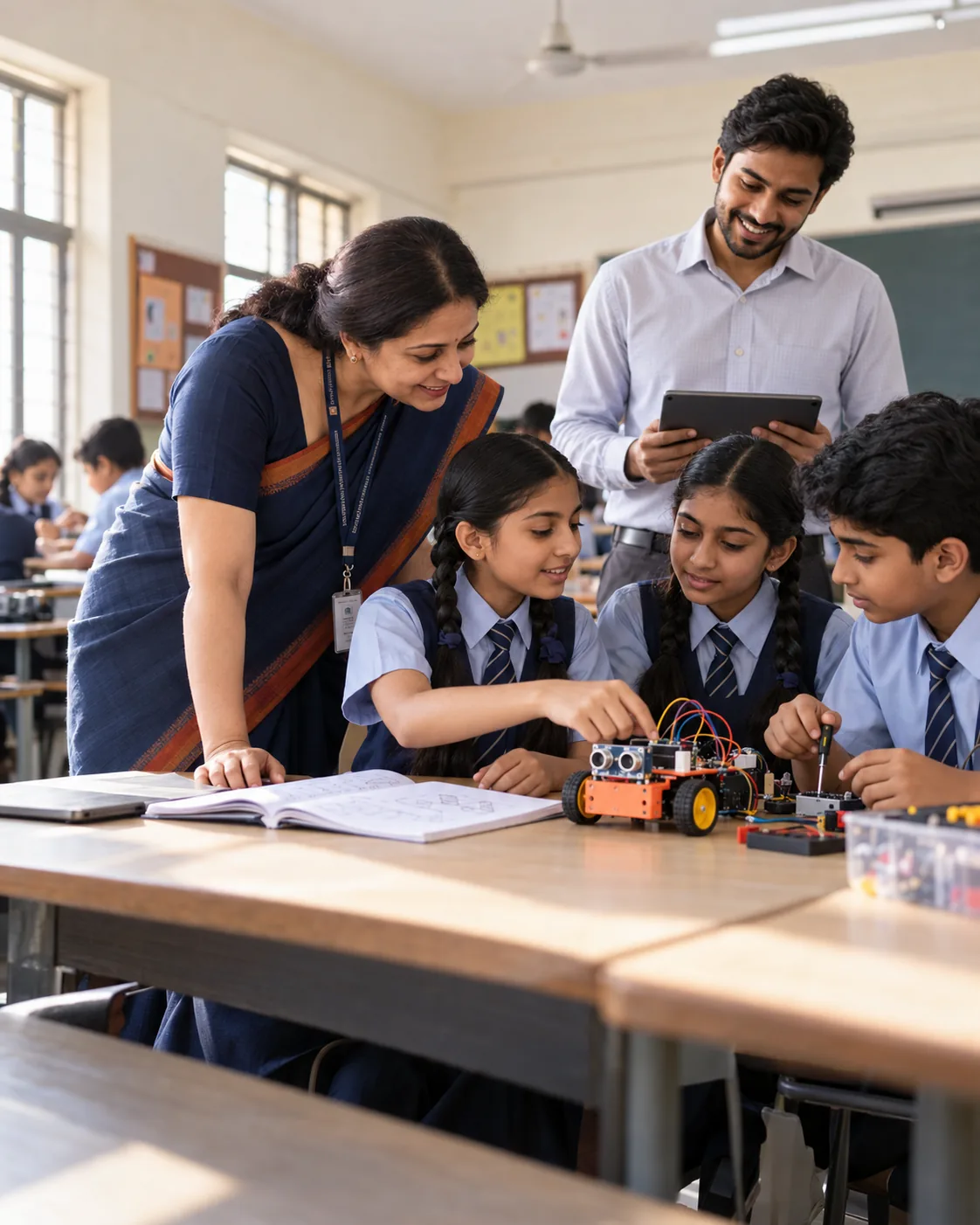 For school leaders
Bring Class 8
to your school.
Start with the four Discovery projects for Class 8 (20 sessions), review the evidence together, then extend to Builder or Innovation.
- Prospectus and class-wise plan
- Kit and readiness check
- Pilot one class first
- Evidence at every milestone
Let's plan your pilot.
Share a few details and we will send the right plan for your classes.