Build understanding.Make useful things. Test every claim.
Technology is the medium. Reasoning, making, testing and explaining are the outcomes. Here is how the programme turns that into ten class pathways.
- 3 strandsOne programme
- Classes 3-12Ten pathways
- 60 minutesPer session
- 5 criteriaOne rubric
Observe. Learn. Approve. Then act.
Every integrated project follows the same chain: sensors and examples feed a model, a person approves, and only then does a machine move. Students build each link and test where it breaks.
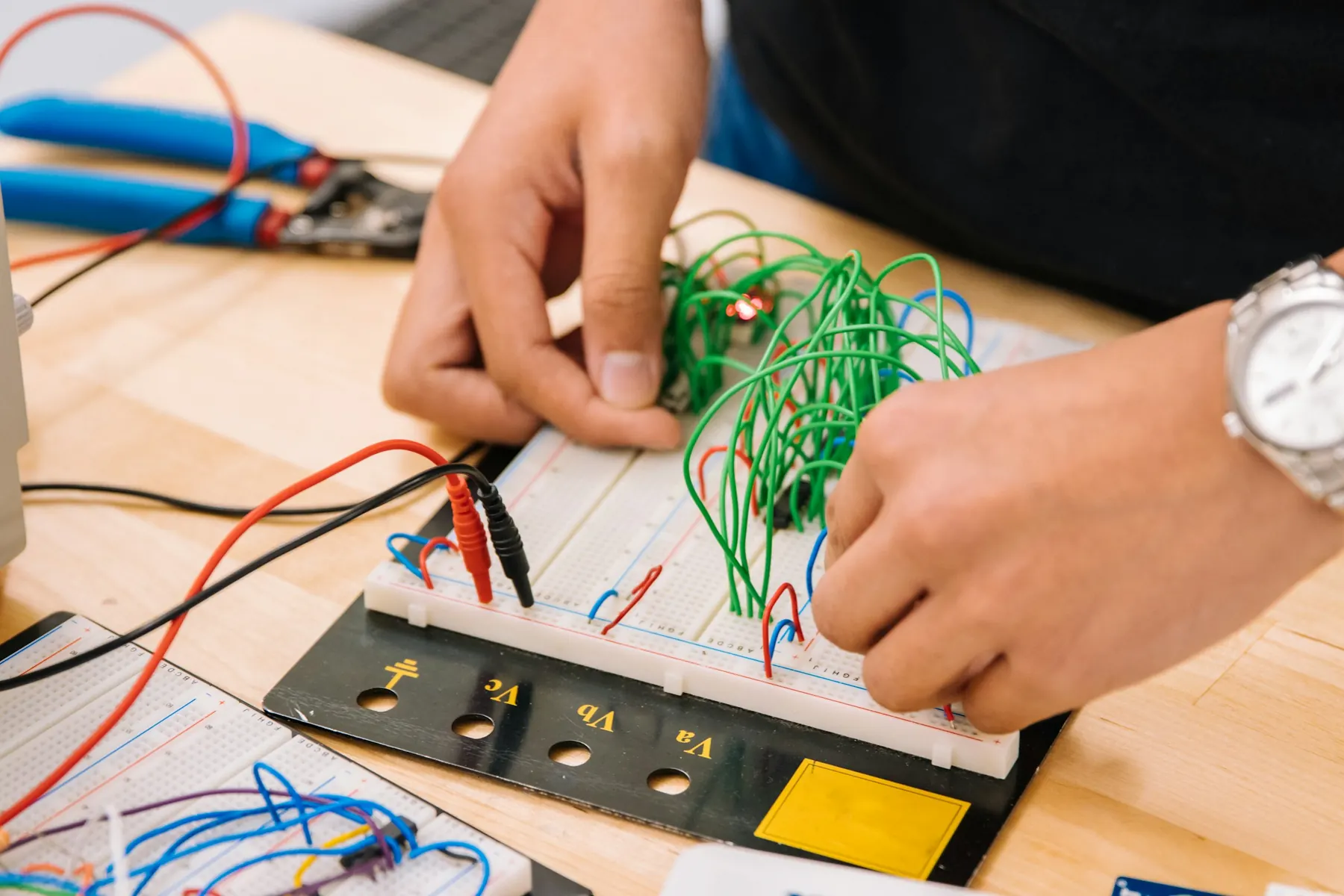
Robotics & electronics
Circuits, sensing, actuation, programming and how a system behaves.
A working model, a labelled design, safe operating limits and a test record.
AI literacy & modelling
Data and labels, training, evaluation, judging generative AI and using it responsibly.
A model, an evaluated output, a dataset audit or a tested workflow recipe.
Integrated systems
How a model's prediction meets explicit rules, people and physical mechanisms.
A traceable AI-to-hardware workflow, with automatic action only where approved.
Each class adds one layer of judgement.
Class is a planning level, not a promise of prior knowledge. An entry task decides the scaffold, and every learner still works on the class theme.
- 3
- 4
- 5
- 6
- 7
- 8
- 9
- 10
- 11
- 12
- 3Notice
Hardware:Switches, lights, cause and effect
AI & data:Examples, labels and spotting mistakes
Code:Step cards and spoken algorithms
- 4Question
Hardware:Switches, conductors and signals
AI & data:Clear questions and checked answers
Code:Step cards to first Scratch blocks
- 5Discover
Hardware:Input, output, cause and effect
AI & data:Examples, labels, mistakes and checking
Code:Unplugged sequences and Scratch blocks
- 6Respond
Hardware:Thresholds and bounded servo response
AI & data:Train and test examples, balanced data
Code:Blocks to short Arduino sketches
- 7Combine
Hardware:Multiple inputs, states and calibration
AI & data:Errors, unknowns and evidence
Code:Arduino functions and Boolean logic
- 8Connect
Hardware:Mobility, communication and interlocks
AI & data:Image classification and logged evaluation
Code:Arduino plus introductory Python
- 9Model
Hardware:Measurement, feedback and local telemetry
AI & data:Features, baselines and held-out tests
Code:Python data handling plus Arduino
- 10Evaluate
Hardware:Multi-joint motion and command validation
AI & data:Vision and language evaluation, abstention
Code:Python plus structured control code
- 11Validate
Hardware:Reproducible system experiments
AI & data:Pipelines, leakage and model comparison
Code:Python and Arduino; optional SQL and JavaScript
- 12Integrate
Hardware:Relay switching, fail-safe states and power budgets
AI & data:Sound features, robustness and drift
Code:Versioned Python and Arduino with tests
One coding journey. No language overload.
Scratch blocks, then scaffolded Arduino C/C++, then Python for data and AI. Products change; a clear recipe, a local dataset and an honest test stay useful.
Scratch
Classes 4-7Sequences, loops and event-driven stories
School-managed offline app
Teachable Machine
Classes 3-10Image models, balanced data, unknown inputs
Teacher-led, approved local examples
AI for Oceans
Classes 4-7Training examples, labels and bias
Teacher-approved classroom activity
Tinkercad
Classes 6-9Circuit simulation before real wiring
Teacher-managed class seats, no student email
Arduino IDE
Classes 6-12C/C++ for sensors, motors and controllers
Local install, no student cloud account
Python + scikit-learn
Classes 8-12CSV data, features, held-out evaluation
Locally installed, tested environment
Generative AI
Adult-ledAuditing outputs and checking claims
Under 13: an adult operates it. 13-18: parent consent and school approval
micro:bit CreateAI
Classes 8-11, optionalMovement-based machine learning
Extra school-approved hardware
Five terms learners must not confuse.
Students learn what each word really means before they touch the product behind it.
- 01
AI model
Learns patterns from examples. Its answers can be wrong.
In class: An object classifier tested on pictures it has never seen.
- 02
Generative AI tool
Produces text, images or other content from a request.
In class: A teacher generates two circuit explanations for students to fact-check.
- 03
Reusable skill
A repeatable workflow: instructions, examples and sometimes code.
In class: A lab-report checker that refuses to invent missing measurements.
- 04
App or connector
An approved link to outside information or actions.
In class: Reading one restricted folder of non-personal experiment files.
- 05
Plugin or library
A package that adds capabilities. Its meaning depends on the host.
In class: Servo.h is a code library, not an AI model.
Sixty minutes, accounted for.
Every session has the same shape, so students settle quickly and a school observer always knows what should be happening.
- 00-05 minRetrieve & predict
Recall one idea and predict the outcome.
- 05-15 minExplain one idea
A diagram, worked example or short unplugged task.
- 15-25 minDemonstrate safely
Watch the workflow and spot one risk.
- 25-50 minBuild, code, train
Rotating roles. Change one thing at a time.
- 50-55 minTest & reflect
Expected versus actual, plus one exit question.
- 55-60 minSave & reset
Save evidence, disconnect power, return counted parts.
Five sessions turn activity into evidence.
All 160 projects follow the same rhythm, so students always know what comes next and teachers always know what to look for.
- 01
Understand
Explore the problem and predict an outcome.
A question, sketch or new vocabulary
- 02
Design
Map the system and build a first prototype.
A design draft, dataset or build
- 03
Implement
Write the code, train the model or refine the recipe.
A working version, explained once
- 04
Test
Try unfamiliar cases and record what fails.
A test log with at least one failure
- 05
Explain
Demonstrate the result and defend one decision.
An individual explanation
Teams of three. Roles rotate every session.
- Builder
- Coder / data lead
- Tester / explainer
Proof over polish. A smooth demo is not enough.
One rubric for every project, on a four-level scale. A critical safety or privacy issue blocks completion, whatever the score.
- 10%Problem & design
- 30%Implementation
- 25%Testing & improvement
- 20%Responsible practice
- 15%Communication
- Problem & design10%A clear use case, constraints and a sensible plan or diagram.
- Implementation30%Working code, mechanism, model or workflow, plus a change the learner can explain.
- Testing & improvement25%Expected versus actual results, unfamiliar cases and one justified improvement.
- Responsible practice20%Safety, data minimisation, source checks, permissions and honest limits.
- Communication15%An individual explanation and a visible contribution to the team.
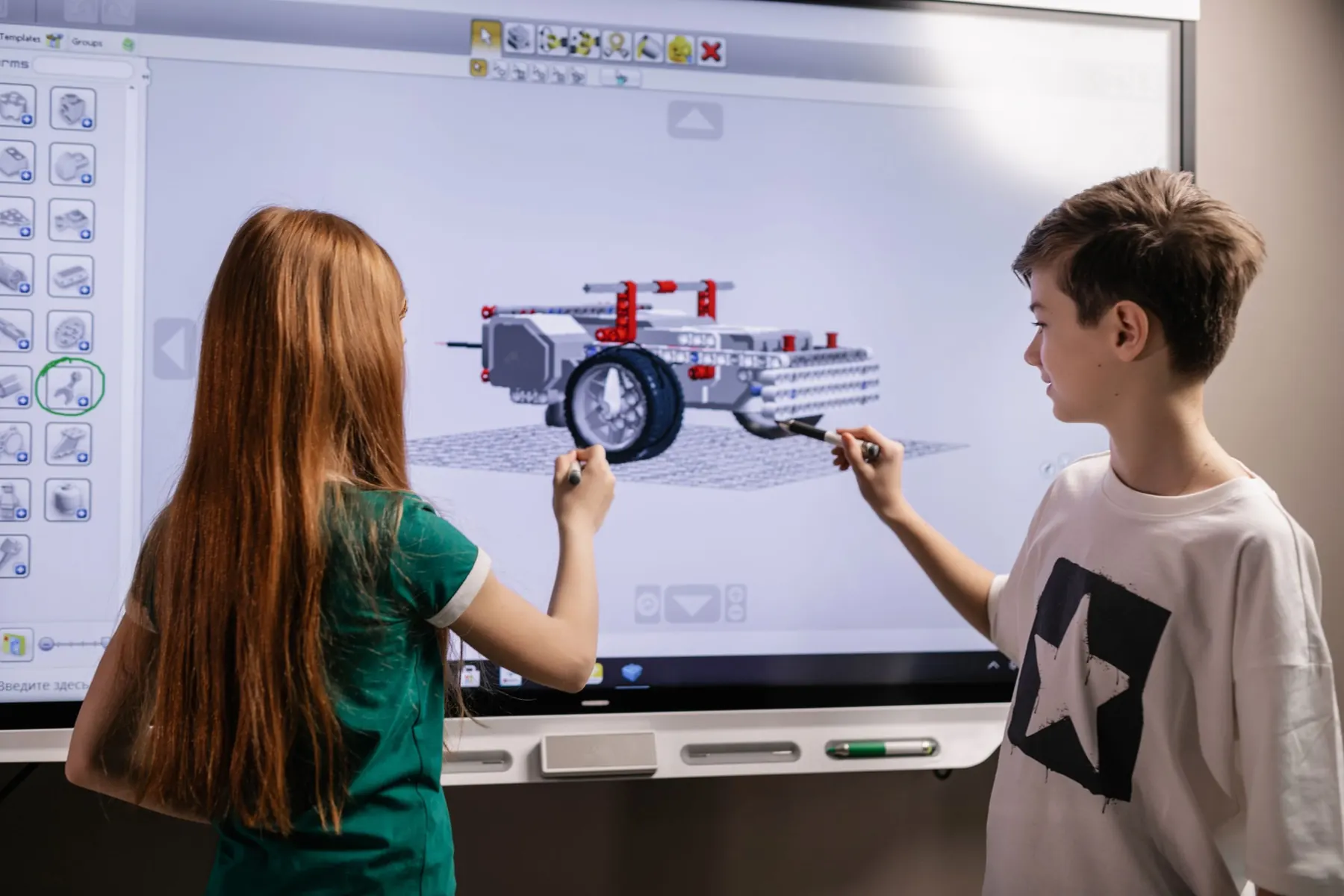
Every project ends with each learner explaining their own decisions.
- 1Starting
- 2With support
- 3Independent
- 4Extends & explains
- A demonstrable artefact
- An honest test log
- An individual explanation
- No open safety or privacy issue
Different routes. The same meaningful goal.
Scaffolds change how a learner gets there, never what they are expected to understand.
New to coding
Short labelled sketches and change-one-line tasks.
Predict the effect before running it.
Fine-motor difficulty
Pre-made leads, larger connectors, an accessible switch.
Choose the test and explain the system.
Reading or language support
Labelled diagrams, sentence starters, bilingual explanation.
Accurate vocabulary and a real example.
Limited devices
Station rotation and a teacher demo, files pre-downloaded.
Every learner interprets a test.
Fast progress
A new condition, a better evaluation or a clearer interface.
Never unsafe hardware or extra accounts.
Below a tool's age limit
Adult-operated or offline materials approved by the school.
The same reasoning is assessed.
What we will never pretend is AI.
Calling everything AI teaches the wrong lesson. Students learn the difference, and so does every claim we make.
An automatic light is an AI project.
A light sensor with a threshold is a rule. Students learn to tell the two apart.
A chatbot's explanation proves a robot uses AI.
Only a trained, tested model counts, and its errors are recorded.
A higher model score means a safer system.
Safety comes from interlocks, approval and stop rules, tested separately.
The Arduino runs the AI.
The board runs control code. Models run on a laptop and send named commands.
 For school leaders
Choose a starting point.
Build from evidence.
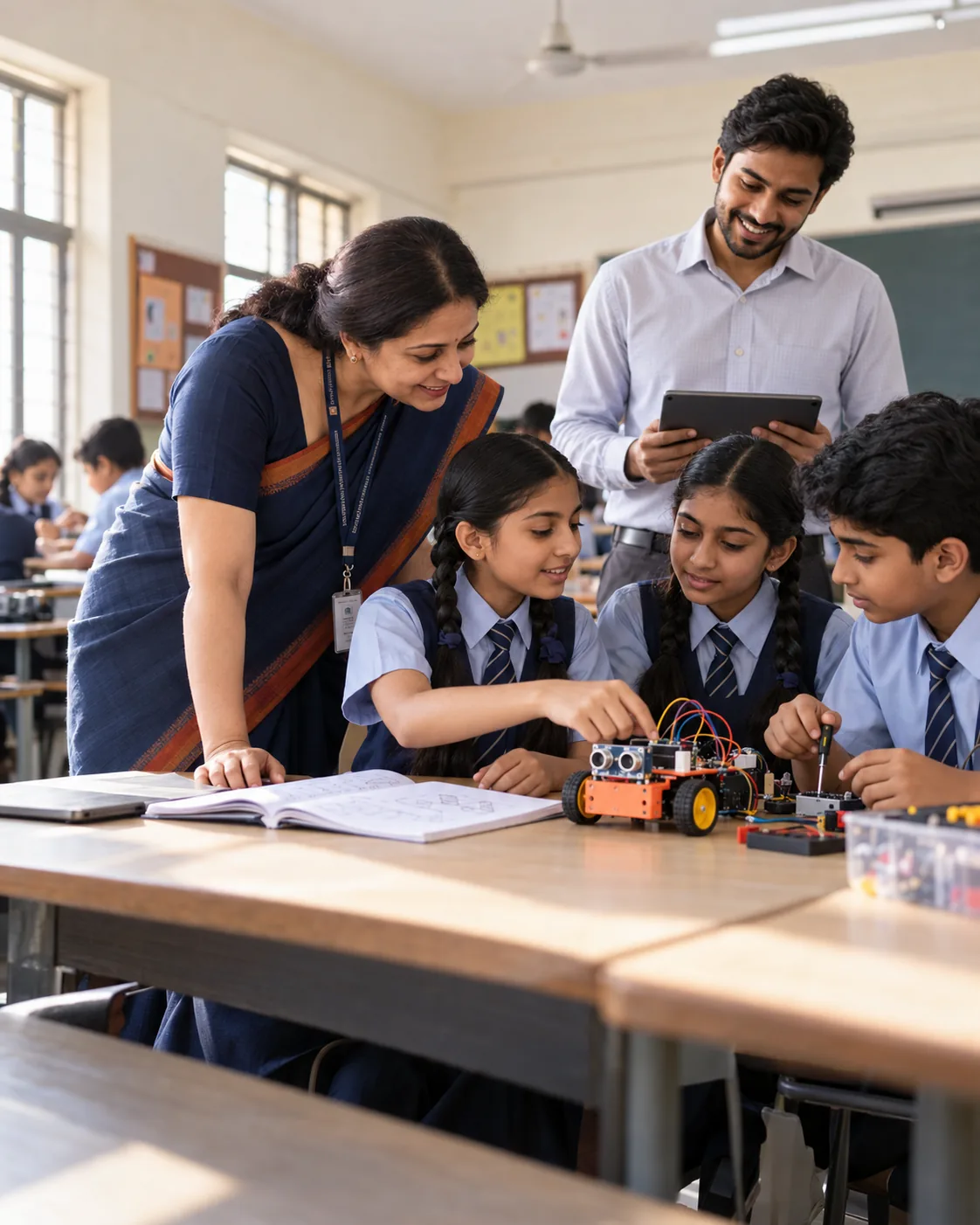
Pick the classes and a plan. We map the timetable, kit and safety checks with you, then pilot one class first.
- Prospectus and class-wise plan
- Kit and readiness check
- Pilot one class first
- Evidence at every milestone
Let's plan your pilot.
Share a few details and we will send the right plan for your classes.