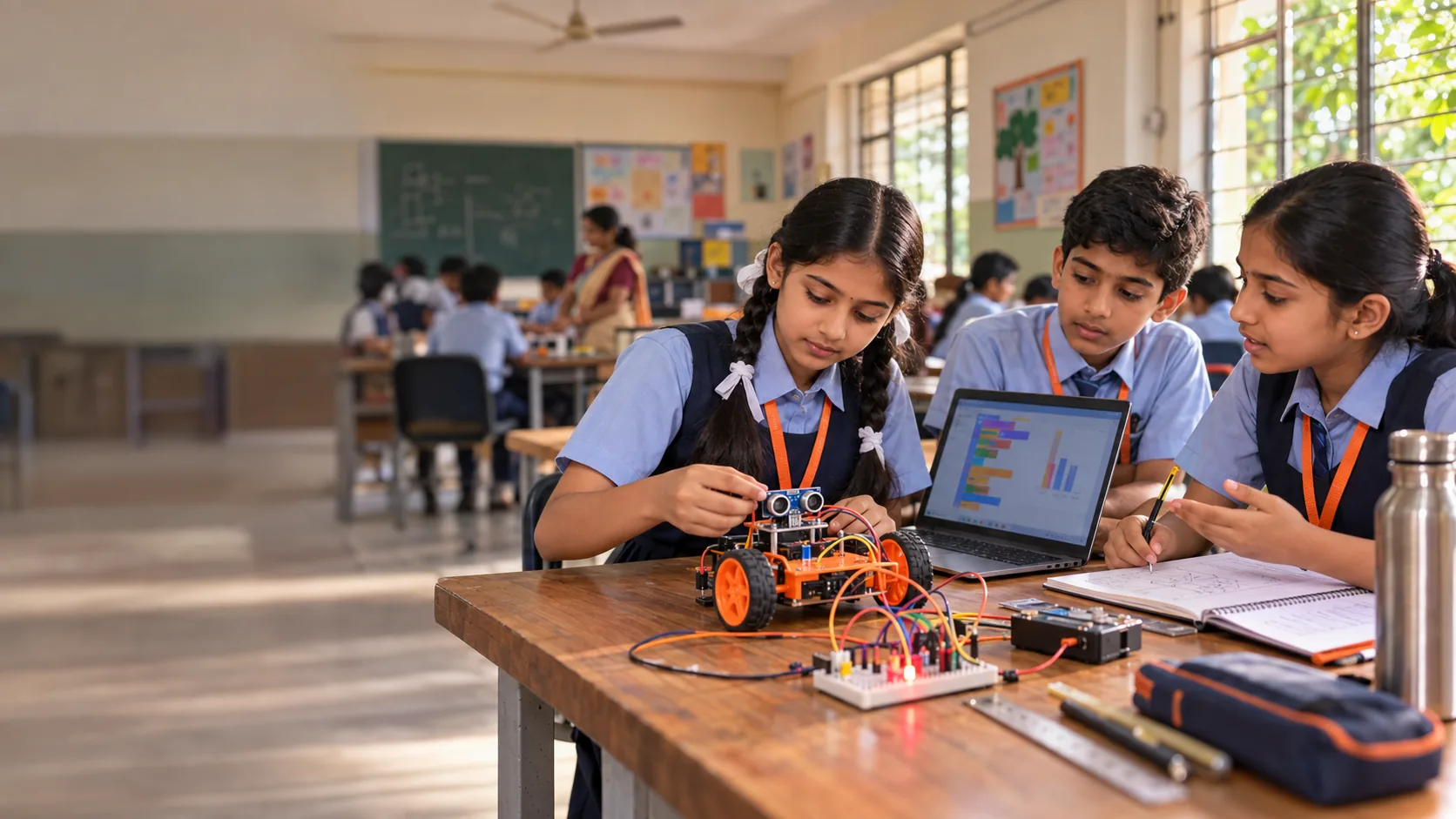
Curiosity becomes
capability.
A class-wise AI and robotics programme. Students wire circuits, build robots, train and test AI models, and explain every result in their own words.
- 160hands-on projects80 build40 AI40 combined
- 10class pathwaysOne for every class, 3 to 12
- 80hrslab time in a full year40 weeks, 4 milestone demos
- 3learners per team kitEvery learner rotates roles
 AI Competency Framework for Students
 Five Big Ideas in AI
 CBSECT & AI curriculum 2026-27
More than assembling a robot.
Technology is the medium. Reasoning, making, testing and explaining are what students take away.
- 1Understand
- 2Design
- 3Implement
- 4Test
- 5Explain
Circuits, sensors and controlled movement.
From a first light-up card in Class 3 to a four-joint robotic arm in Class 10.
Train, test, question and explain a model.
Students label data, test unseen cases and say when a model should not be trusted.
Scratch, then Arduino, then Python.
- Scratch
- C/C++
- Python
A person stays in charge.
Every integrated build keeps a person in charge of what the machine does.
The challenge grows with the learner.
Each class has its own showcase build, tools and learning check. Pick a class to see what its students make first.
A light-up sorting box where a picture model suggests a side and a child checks before the light goes on.
Notice & sort
Spotting AI around us, patterns and rules, first circuits and sorting by examples.
- 01Light-Up CardRobotics
- 02Robot Steps GameRobotics
- 03AI Around MeAI
- 04Picture Sorter LightsIntegrated
Learning check: Point to the input and output of a circuit, fix a step card, and show one mistake a machine made.
Three plans. One coherent progression.
Every plan runs two 60-minute sessions a week. Longer plans include every project in the shorter ones, so a school can start small and extend.
- RRobotics
- AAI
- IIntegrated
- 20sessions
- 20hours
- 4projects
2 robotics
1 AI
1 integrated
Master the core mechanism and one carefully tested AI-to-hardware workflow.
- 40sessions
- 40hours
- 8projects
4 robotics
2 AI
2 integrated
Expand sensing and control, add a second AI project and compare alternatives.
- 80sessions
- 80hours
- 16projects
8 robotics
4 AI
4 integrated
Improve reliability, complete four integrated milestones and defend an annual capstone.
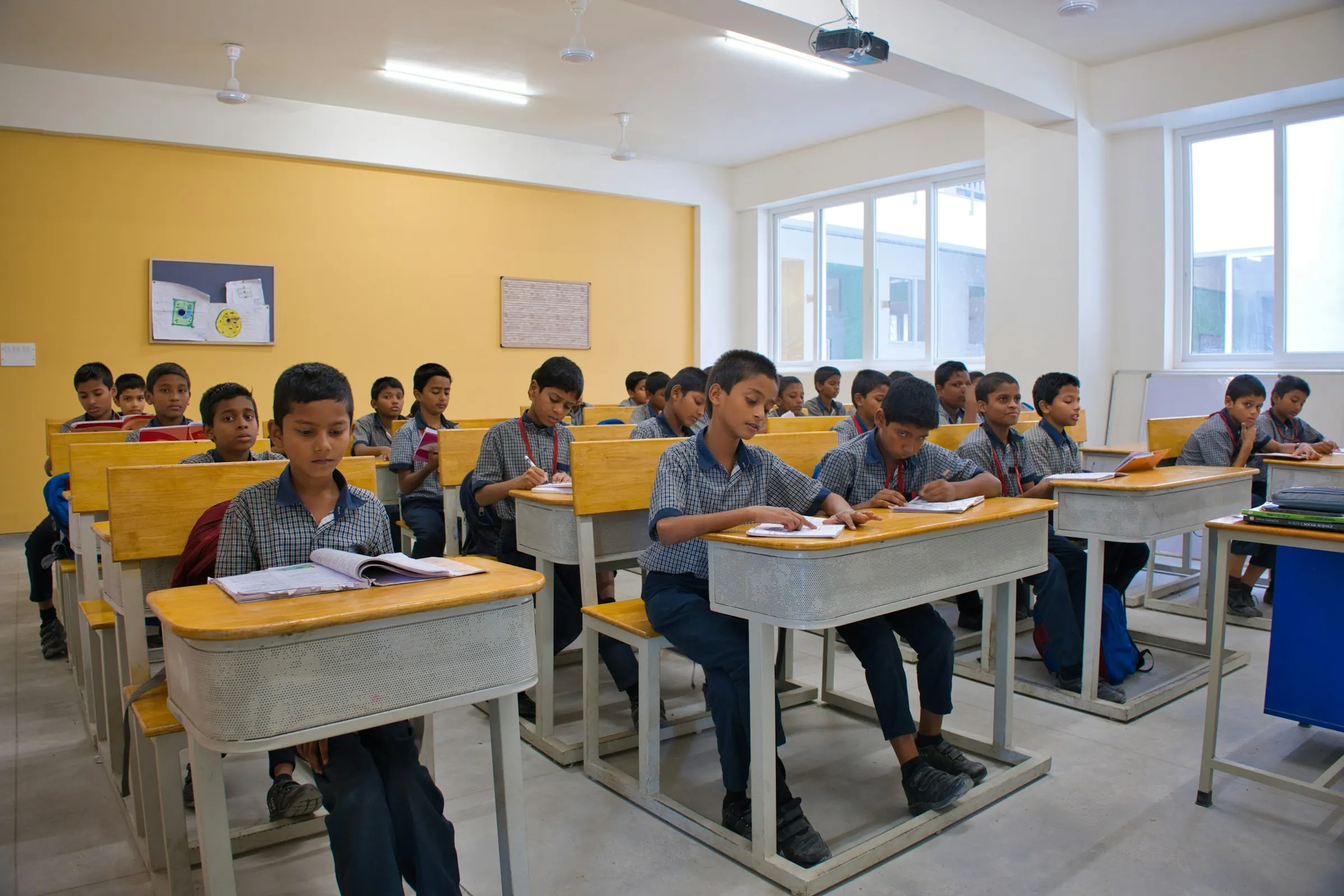
Five sessions turn activity into evidence.
All 160 projects follow the same rhythm, so students always know what comes next and teachers always know what to look for.
- 01
Understand
Explore the problem and predict an outcome.
A question, sketch or new vocabulary
- 02
Design
Map the system and build a first prototype.
A design draft, dataset or build
- 03
Implement
Write the code, train the model or refine the recipe.
A working version, explained once
- 04
Test
Try unfamiliar cases and record what fails.
A test log with at least one failure
- 05
Explain
Demonstrate the result and defend one decision.
An individual explanation
Teams of three. Roles rotate every session.
- Builder
- Coder / data lead
- Tester / explainer
Three gates before any real-world action.
The school approves the tool, the data and the physical task. No gate is skipped for a better demo.
Read the full safety modelAge & access
Who may use which tool is decided by real age and provider rules, not class number.
- Adult-led AI where age rules require it
- No shared adult accounts
- No personal AI account needed
Data & permission
Models learn from objects and prepared data. Never from students.
- Object-only examples
- No student names, photos or voices
- No access to live school systems
Physical control
AI can suggest. Only approved, bounded commands ever reach a motor.
- Named commands only
- A reachable power switch
- Stop on missing or invalid input
AI can suggest. A person decides.
- Data
- Model
- Human approval
- Controller
- Device
160 projects. Every one tested and explained.
Each project has a named outcome, a minimum test and five planned sessions. Search them by class, type or plan.
- RRobotics
- AAI
- IIntegrated
| # | Expected | Actual | Result |
|---|---|---|---|
| 1 | Bright: cover stays open | Open | Pass |
| 2 | Dark: cover closes | Closed | Pass |
| 3 | Torch flicker: no change | Servo jitters | Revise |
| 4 | Shadow at threshold | Holds position | Pass |
| 5 | Power reset | Starts closed | Pass |
An illustrative test log in the format every team keeps.
A finished demo is only part of the story.
Families see the evidence behind the result, not just a polished exhibition.
- 01
Design
A diagram of the problem, with the human approval and stop points marked.
- 02
Make
The code, trained model or workflow recipe, saved with a version name.
- 03
Test
Expected versus actual for every case, including the ones that failed.
- 04
Explain
An individual reflection: my contribution and one thing I can now explain.
A lower-scoring AI model can still show strong learning, when the student tests it honestly and limits its use.
Straight answers to the questions that matter.
No vague promises. The facts families and school leaders ask for, before anything else.
No. Offline resources and teacher-led demonstrations are built into the programme. For students under 13, an adult operates any generative AI tool. Real age and provider rules decide any individual use.
They cannot pass that way. Every project asks students to show evidence, find errors, change a setting and explain their own contribution, individually.
Yes. Everything is low voltage, with no mains work. Water stays with the teacher, battery packs are enclosed, power goes off before any rewiring, and a school adult is always in the room.
Not on its own. In Classes 3 to 7 a person checks every AI suggestion before anything moves. From Class 8, a laptop model may send a few named commands, only after bench tests, and a separate stop always works.
No. Project counts are assessed learning projects, not take-home kits. Teams reuse school kits, and save their designs, code, test records and explanations before taking a build apart.
No. It is an enrichment programme informed by recognised frameworks such as UNESCO's AI competencies and CBSE's CT & AI curriculum. It does not replace a prescribed subject or claim any board's approval.
Yes, and we recommend it. A pilot with one class runs the first project, we review the evidence together, and you expand only when you are satisfied.
It changes the maths. Twenty 45-minute periods give 15 hours, not 20. To keep a plan's full scope, schedule at least 27 periods, or agree a smaller scope in writing.
A room, one computer per team of three, a shared display, a named school adult in every session, and two one-hour sessions a week. Kits and equipment are agreed in your proposal.
It is planned for the board year. Build cycles are compact, sessions are timetabled around exams, and the capstone scope is agreed in writing at the start. A school can also choose the 3 or 6-month plan so the work ends before the pre-boards.
Every twenty sessions you receive an evidence and readiness review: projects completed, individual checks and a short progress summary. At the end you receive each learner's portfolio.
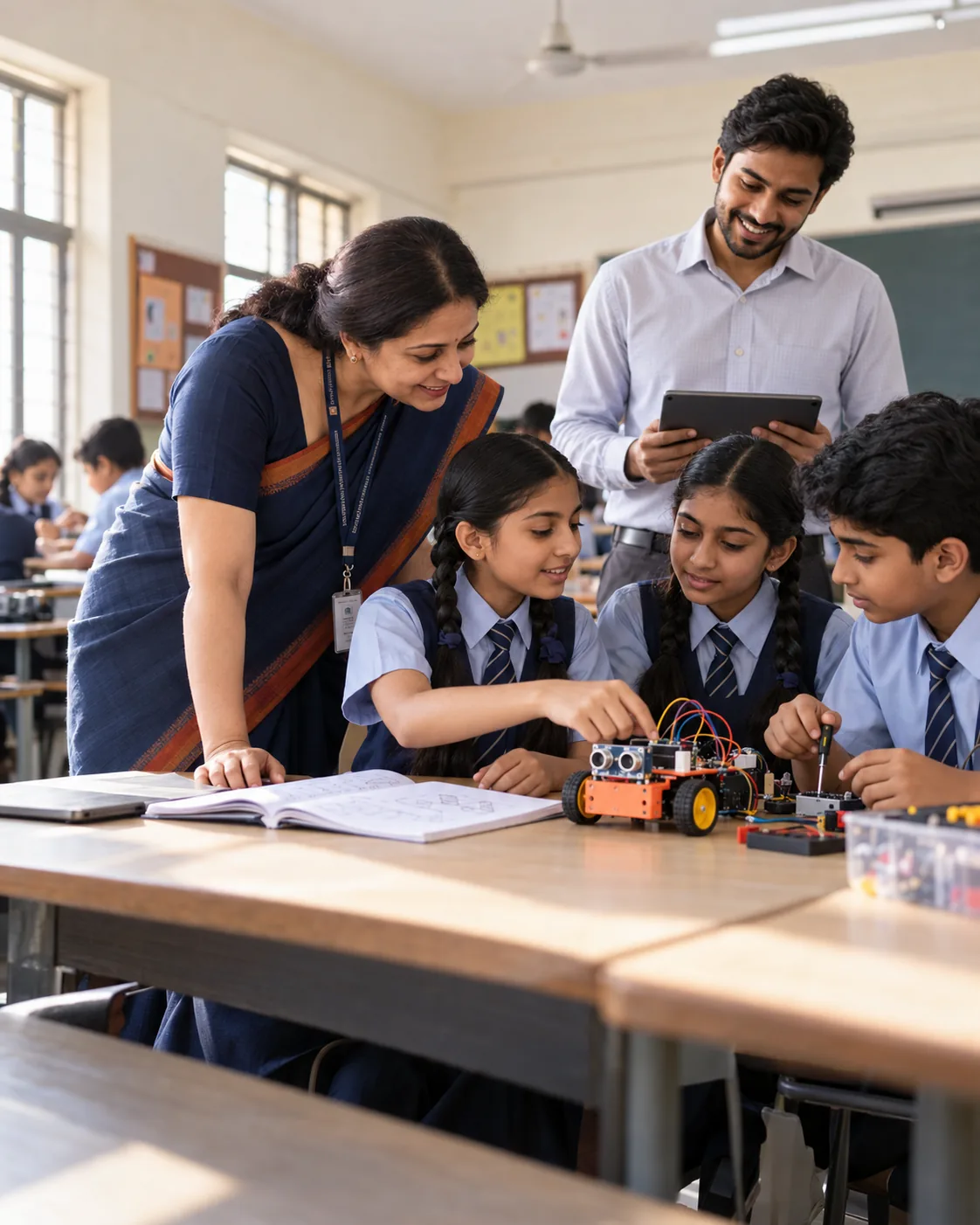 For school leaders
Choose a starting point.
Build from evidence.
Pick the classes and a plan. We map the timetable, kit and safety checks with you, then pilot one class first.
- Prospectus and class-wise plan
- Kit and readiness check
- Pilot one class first
- Evidence at every milestone
Let's plan your pilot.
Share a few details and we will send the right plan for your classes.